
|
GCMS — Centralised Management System
Manage Every Firewall, From One ConsoleA comprehensive platform for centrally creating and managing security policies across all your GajShield appliances — with real-time visibility, alerts, compliance reporting, and innate usage analytics from a single management interface. Download Datasheet ↓ Request a Demo |
|
Built for the Multi-Site Enterprise
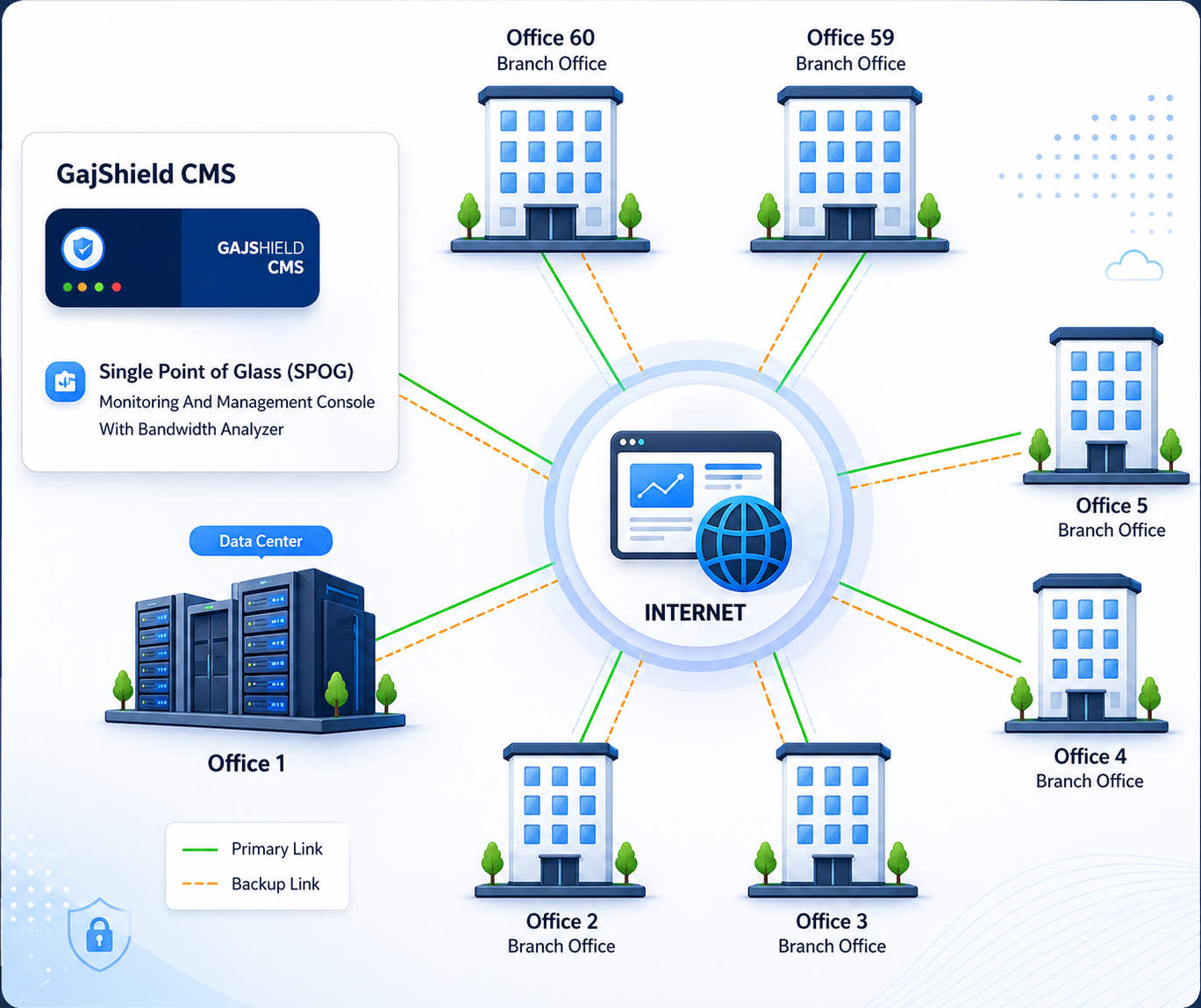
With ever-increasing complex networks spread over multiple geographical locations, the security infrastructure of large enterprises demands instant and complete visibility into remote networks to enable proactive security implementation.
GCMS gives corporate enterprises the ability to implement, monitor, and control an enterprise-wide security policy — with the flexibility to define localised policy settings per location as required.
|
01
One Policy, Every SiteDefine a broad security policy from headquarters, then push it to every distributed branch — consistent enforcement everywhere. |
02
Local FlexibilityOverride central policy where needed. Branches retain control over location-specific settings while inheriting enterprise-wide defaults. |
03
Single Pane VisibilityThreat summaries, health status, and security trends across every appliance — on one dashboard, in real time. |
From Headquarters to Every Branch
Push policy-based security profiles to remote locations, enforce enterprise-wide standards, and respond to zero-hour threats across the entire fleet.
|
1
Group & ConfigureAdd multiple firewalls into logical groups. Configure them together, define pseudo interfaces, hosts, and user groups independent of physical IP/username constraints. |
2
Push PoliciesDefine Firewall, IPS, URL filtering, DLP, App Filtering, AV, AntiSpam, and ISP Failover policies from the central office. Apply globally, by group, or individually. |
3
Auto-Sync & UpdateServer auto-synchronizes every firewall at regular intervals — routes, network info, virus signatures, patches, and configurations all stay current without manual intervention. |
4
Monitor & RespondReal-time threat trends, summary, and health status on a single dashboard. Instant policy enforcement against zero-hour threats across the entire fleet. |
Everything Your Operations Team Needs
Six pillars covering centralised configuration, real-time monitoring, automated operations, and audit-ready reporting.
|
CENTRAL POLICY
Unified Policy Management
|
REAL-TIME VISIBILITY
Dashboards & Health
|
GROUP MANAGEMENT
Multi-Firewall Grouping
|
|
AUTOMATION
Auto-Sync & Updates
|
LOGGING & STORAGE
Centralised Logging
|
REPORTING & AUDIT
Reports & Compliance
|
|
Built for Distributed Enterprises
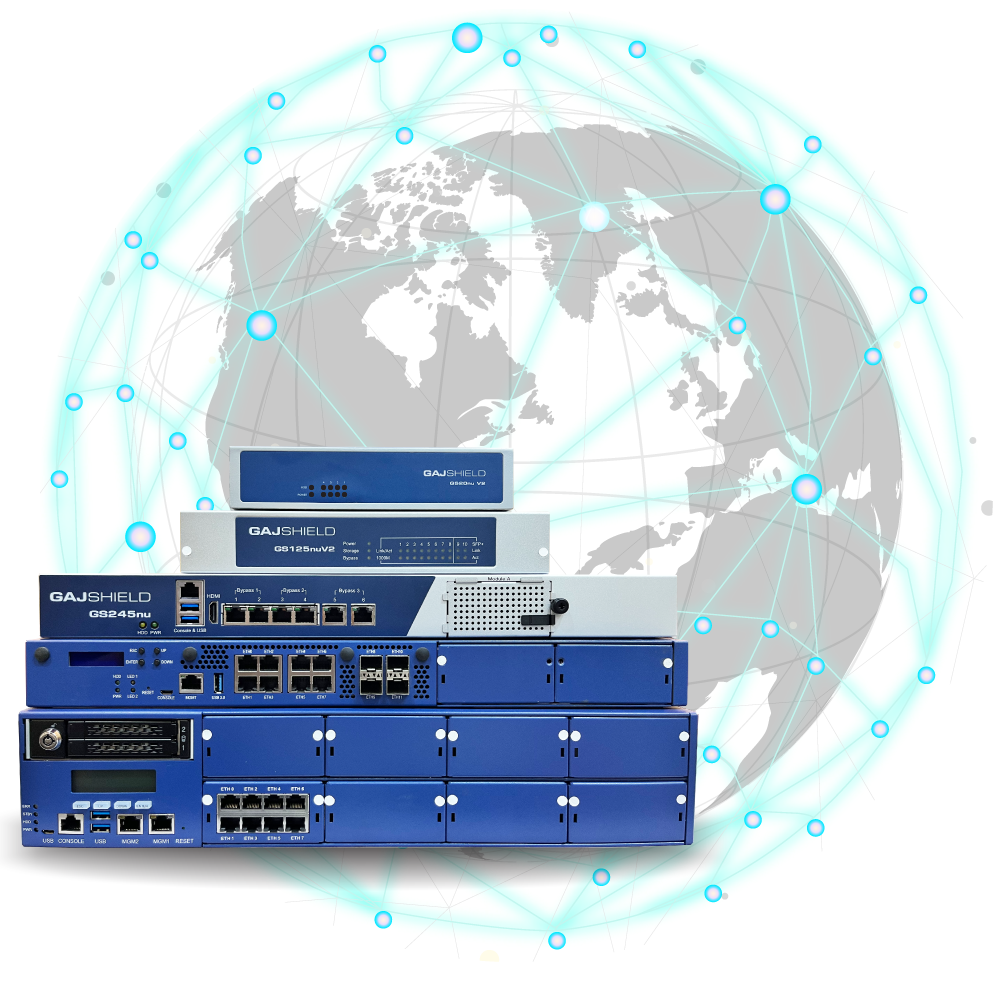
Manage Multiple Devices, Multiple GeographiesFor large enterprises with multiple devices at distributed branches, GCMS enables administrators to push policy-based security profiles to remote locations — allowing the implementation of an enterprise-wide standard security policy. This results in ease of manageability — policies and features can be assigned globally, individually, or to specific groups of firewalls. Reduced operational complexity, faster deployment, and instant enforcement against zero-hour threats. Talk to an Expert → |
|
Why Operations Teams Choose GCMS
|
1+
Year of log storage
|
1
Dashboard for every firewall
|
9
Policy types managed centrally
|
0
Manual sync required
|
Download the Complete GCMS Datasheet
Full specifications, deployment scenarios, and feature reference for your team and procurement reviews.
Download GCMS Datasheet (PDF) ↓Ready to Manage Every Firewall From One Place?
Talk to a GajShield security expert. We will demonstrate GCMS managing multiple appliances live — and show how it can streamline your existing distributed firewall deployment.
Request a Demo Back to Firewall Overview Become a Partner